Cover 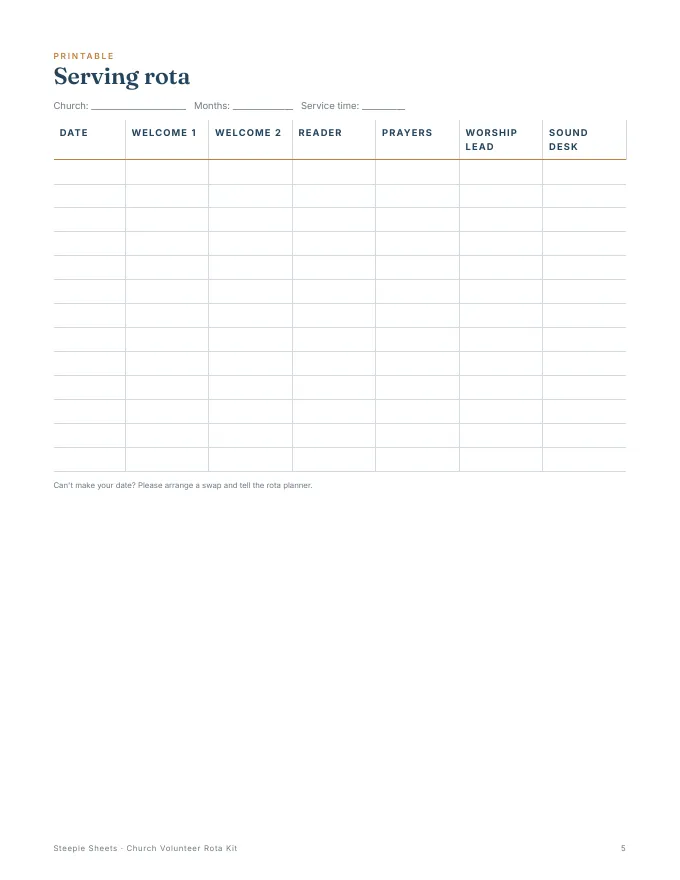
Inside pages 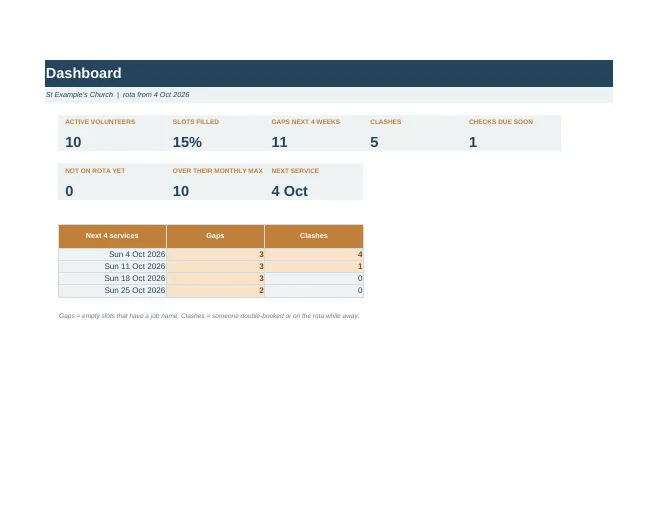
Dashboard tab 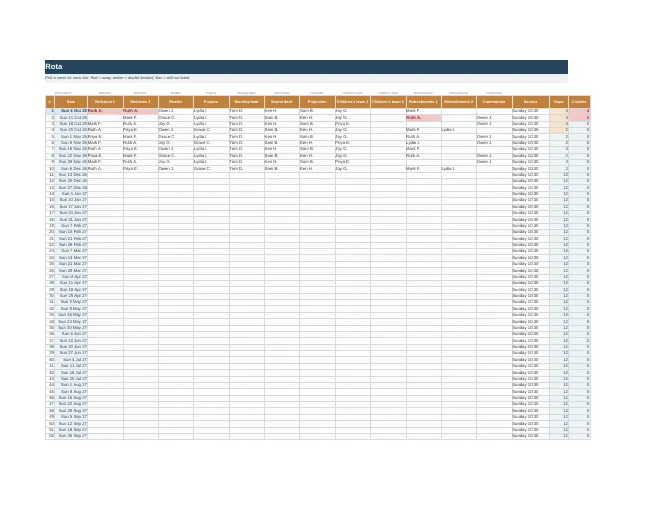
Rota tab
Swipe or scroll to see more pages
Church Volunteer Rota Kit
€29one-time payment, digital download
Plan a full year of Sunday rotas. Pick names from drop-downs and see double-bookings, away dates and skill mismatches straight away, check that the load is shared fairly, and print a weekly team list with phone numbers.
What's inside
- Church volunteer rota spreadsheet (.xlsx), 8 tabs: Start Here, Dashboard, Settings, Volunteers, Away Dates, Rota, Fairness, Weekly Rota
- 52 weeks of dates worked out from your first service date, weekly or at any interval
- Up to 12 rota slots and 100 volunteers
- Warnings for away dates, double-bookings and skill mismatches, which also work in Google Sheets
- Monthly fairness view with limits per person
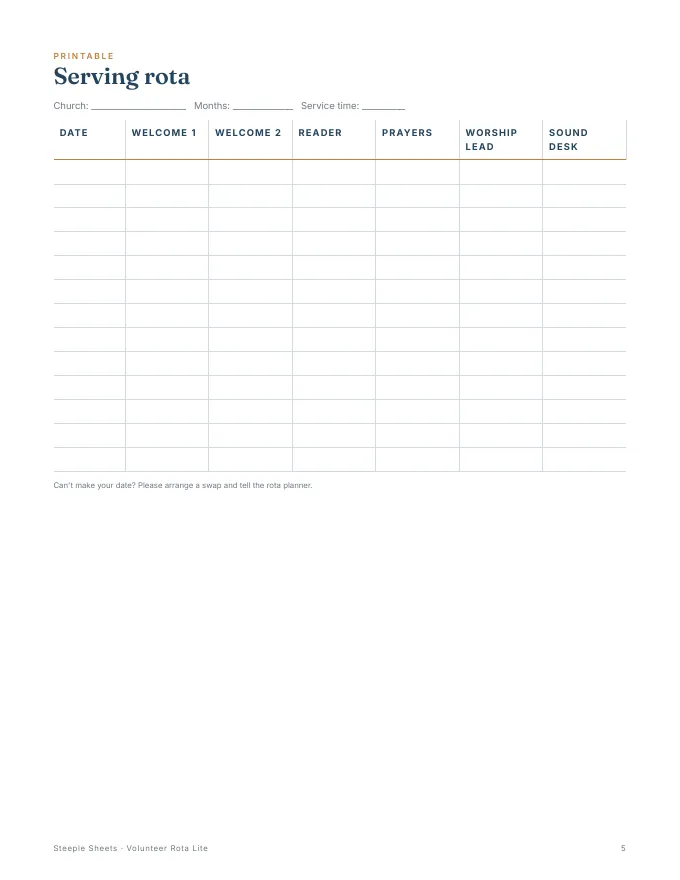
- PDF guide (US Letter and A4) with 5 printable forms
- Licence for one church or congregation
More about this kit
Whoever does the church rota knows the drill: a spreadsheet that has grown for years, a pile of holiday messages, and a sinking feeling when the same four people end up doing everything. This kit gives the job some structure.
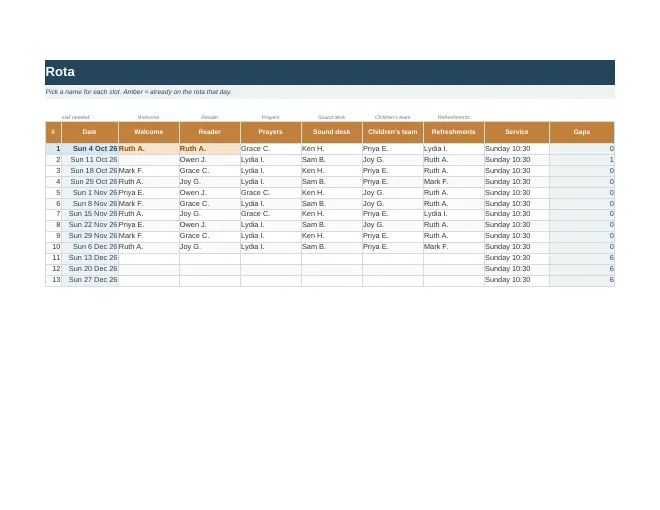
List the jobs you fill each week (up to 12 slots, such as Welcome, Reader, Sound desk, Children's team, Refreshments) and the skill each one needs. Add your volunteers with their skills and how often they are happy to serve. Then fill the Rota by picking names from drop-downs.
As you go, the Rota warns you. Red means that person said they are away that day. Amber means they are already on the rota that day. Lilac means the slot needs a skill they have not listed. Each row counts gaps and clashes, and the Dashboard shows gaps in the next four weeks.
The Fairness tab counts how many times each person serves in each month, and highlights anyone over the limit they gave you. The Weekly Rota tab turns any date into a clean list of jobs, names and phone numbers, ready to print or paste into your group chat. There is also a simple reminder column for safeguarding check renewal dates.
It uses plain formulas with no macros, and works in Excel and Google Sheets. The PDF guide walks through every tab and includes printable pages: a blank rota, a volunteer sign-up form, an away dates form, a team contact list and a "This Sunday's team" sheet.